Content: | Designer
OX Edition | EaSynth Look
And Feel V1.06 |
 EaSynth Look And Feel Designer OX Edition (Update
6)
EaSynth Look And Feel Designer OX Edition (Update
6)
We are pleased to announce that EaSynth Look And Feel Designer OX Edition is released now! OX Edition is a complete new version, it contains all previous updates, and provides some exciting new features, enhancements and bug fixings.
Dear customers, if you are using the old version, you are encouraged to download and install the OX Edition, you can use your license serial number of old version to activate the OX Edition.
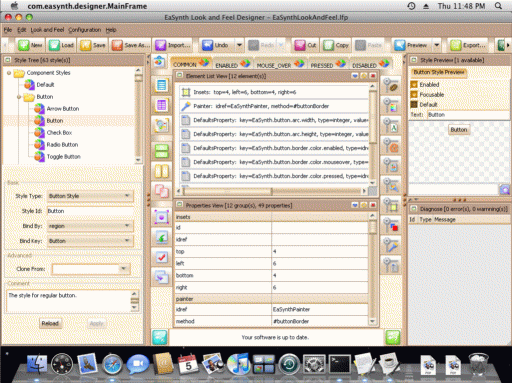
New Feature: Mac OS X Supported!
From now on, you can run EaSynth Look And Feel Designer on Mac OS X system! In Mac OS X, you just need to extract the tar.gz archive to a folder and double-click the "designer.jar" file to launch the software.
Enhancement: Smoother Activate / Reactivate Process
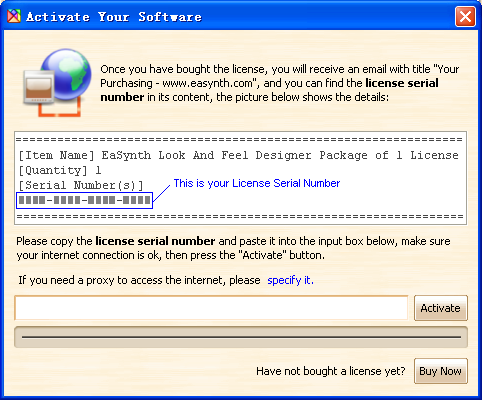
The process to activate software become more friendly, you don't have to quit the software for activation, so all works on the trial version can be saved after online activation.
License shifting process is simplified, the reactivate request step is removed from the process. Now you can shift your license to another machine / OS at any time (the previous machine / OS will lose the license automatically), just install and activate the software on another machine / OS.
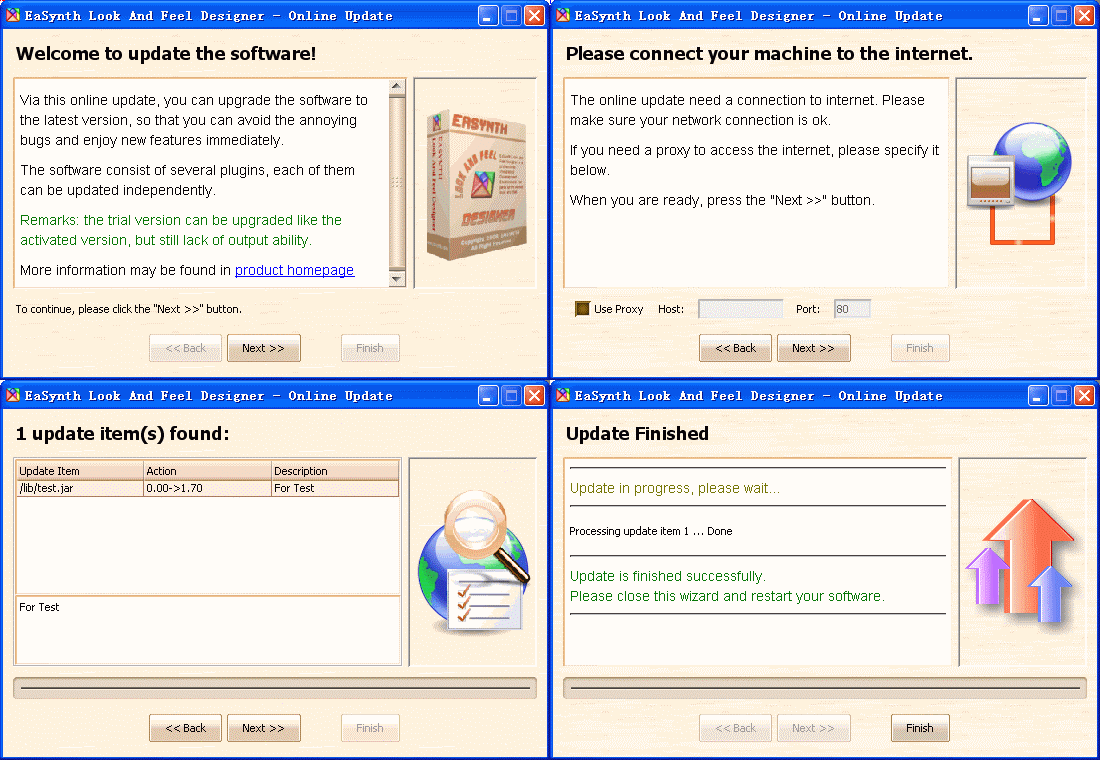
Enhancement: Better Online Update Wizard
The online update wizard become smarter, it will skip the unnecessary update items automatically and minimize the download data package.
What's more, the trial version can also be updated, thus everybody can always see the latest change.
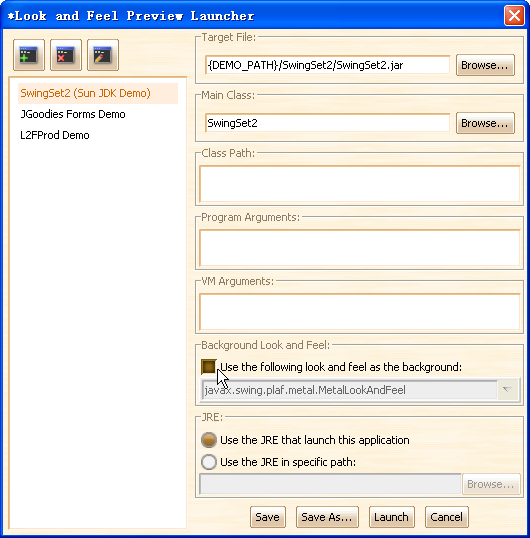
Bug Fixed: Now L&F Preview Can be 100% the Same as Real Effect!
We fixed a bug in the old version, now the software will use pure Synth look and feel to preview when background L&F is not used, thus the preview effect can be 100% the same as real effect!
Remarks: the background L&F option is recommended to be turned ON when starting a new L&F project, it can make sure your demo application will not complain about something missing, and provides about 90% simulation of real effect. When your L&F is about to finish, you can turn this option OFF to preview the 100% real effect on demo applications.
New Feature: More Demos for Preview
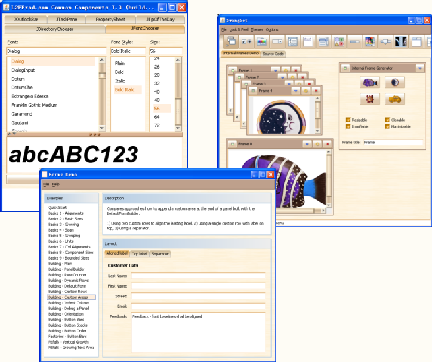
Two new demos from JGoodies and L2FProd are integrated into EaSynth Look And Feel Designer for L&F preview. Now you have more options to preview your look and feel. Of course you can also use your own application to perform the L&F preview.
Other Updates Include:
- New Feature: daily tips.
- New Feature: update reminder
- New Feature: mnemonic symbol on menu items
- Enhancement: separate the L&F template from the framework, thus it can be updated independently.
- Enhancement: smarter and more complete detection of used Java classes.
- Enhancement: protect reserved jar files in add-ons management window.
- Enhancement: web start friendly, now the web start version has same features as local install version.
- Enhancement: all documents are updated.
How to Get the OX Edition? Now the OX Edition can be downloaded here. The old version can not upgrade to the OX Edition via online update, a new installation is needed.
No License Yet? Here you can find the purchase links.
Online Demo: Product Download:


EaSynth Look And Feel
V1.06
EaSynth Look And Feel is a free and open-source look and feel, the latest version 1.06 is released now!
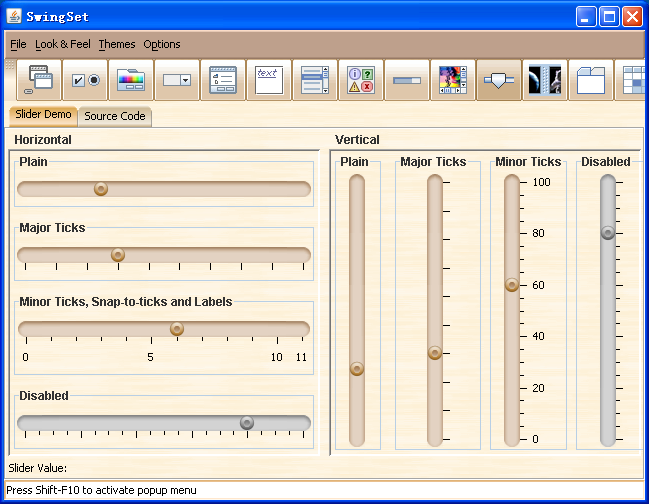
Enhancement: New Look of Slider
The figure below shows the new look of JSlider:
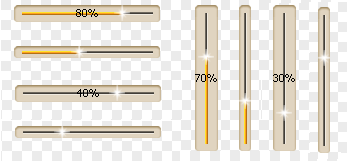
Enhancement: New Look of Progress Bar
The figure below shows the new look of JProgressBar:
Other Updates Include:
- New Feature: provides replaceXmlSegmentInCache(), applyCachedSynthXml() and getSynthXmlAsString() APIs.
- Enhancement: support string painting in indeterminate progress bar.
- Adjustment: set spinner to transparent by default.
- Adjustment: don't paint the value for slider by default.
- Adjustment: change scrollbar background to #F1F9D9.
- Adjustment: change menu hotkey color to #770000.
- Adjustment: set text field to opaque, by default.
- Adjustment: JList has no border by default.
- Bug Fixed: dragging table header is not painted.
- Bug Fixed: the indication of indeterminate progress bar disappear at some locations.
- Bug Fixed: the indication of indeterminate progress bar never move to the left end.
Want to Know More? The details about this update can be found in the look and feel homepage.
Online Demo: L&F Download: